
Deciding to either increase computer memory or hard drive space should be based on need and affordability.
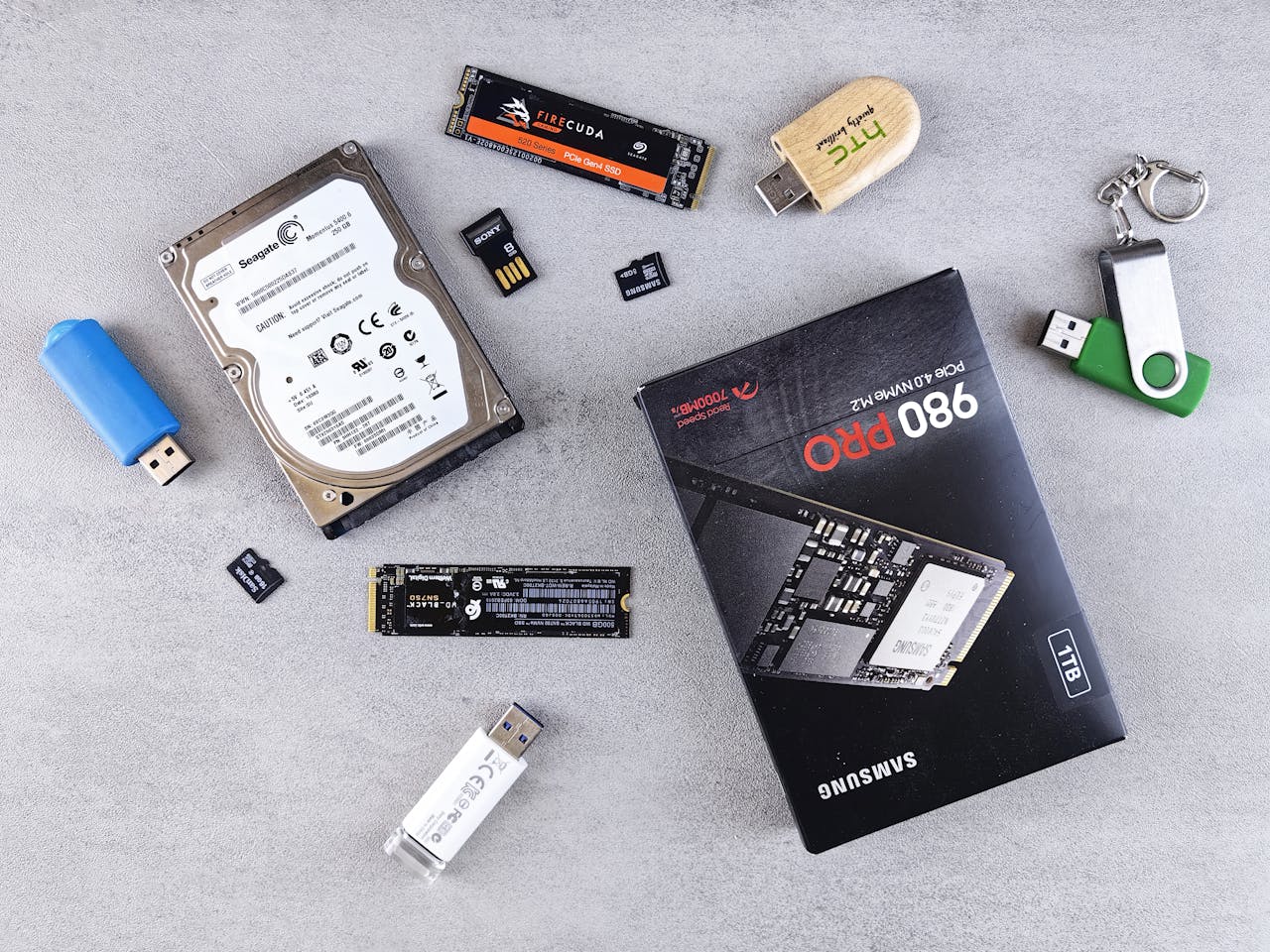
An HDD (Hard Disk Drive) uses spinning physical disks and is cheap for large storage. An SSD (Solid State Drive) uses flash memory, has no moving parts, and is much faster and more durable but costs more per gigabyte.
Key Differences
- Speed: SSDs boot up and load apps in seconds; HDDs are much slower because their disks must spin.
- Price: HDDs cost less per terabyte, making them great for massive budget storage. SSDs cost more per gigabyte.
- Durability: SSDs survive drops and bumps easily because they lack moving parts. HDDs can break if moved while spinning.
- Noise: SSDs run completely silent. HDDs make clicking or whirring noises.
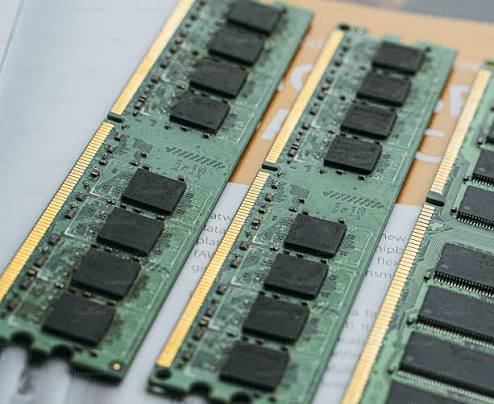
Memory on the other hand is used by applications and is volatile since it requires electric to be used. When the power is turned off or the machine is shut down then everything is not saved from memory unless you physically saved the contents.
For a standard home computer, 16GB of RAM is the recommended baseline for smooth multitasking and everyday use. While 8GB can handle very basic tasks like a single browser window or light email, it fills up fast; upgrading to 32GB or more is better if you plan to do heavy gaming, 4K video editing, or local AI processing.
Recommended Capacity by Home Use Type
- Basic Use (Web, Email, Bills): 8 GB is the absolute minimum, but 16 GB is strongly advised to prevent future lag.
- Family & Multitasking (Juggling tabs, Office apps, streaming): 16 GB is the sweet spot.
- Gaming & Heavy Workloads (Modded games, 4K video editing, programming): 32 GB provides ideal power.
Keep in mind that the cost for this type of hard ware is vastly different between a PC versus iMac.
You will need an official iMac repair center to install either the memory or hard drive without voiding the warranty. The best suggestion for an iMac user is to decide prior purchasing a robust computer.
For a PC computer you can easily get a internal hard drive that can be used for secondary usage. Storing your photos, documents, etc. also helps in backing up. Users can use an external case to store the hard drive thus using a USB port for moving files as well as backing up files.
You must be logged in to post a comment.